Field operations / Functions
Field operations
A network of Nucleus nodes provides situational awareness, voice, messaging and private communication without cellular service, internet access or fixed infrastructure. Client devices connect to the access point of the nearest node, and require no additional software or configuration.
This page describes each function. Examples of how the functions are combined are given on Use cases.
- 2.4 GHz WiFi mesh
- ~30 Mbps
- LoRa fallback
- Position and chat
- Voice
- Push-to-talk
- Client setup
- None
01ATAK
ATAK over the 2.4 GHz WiFi mesh
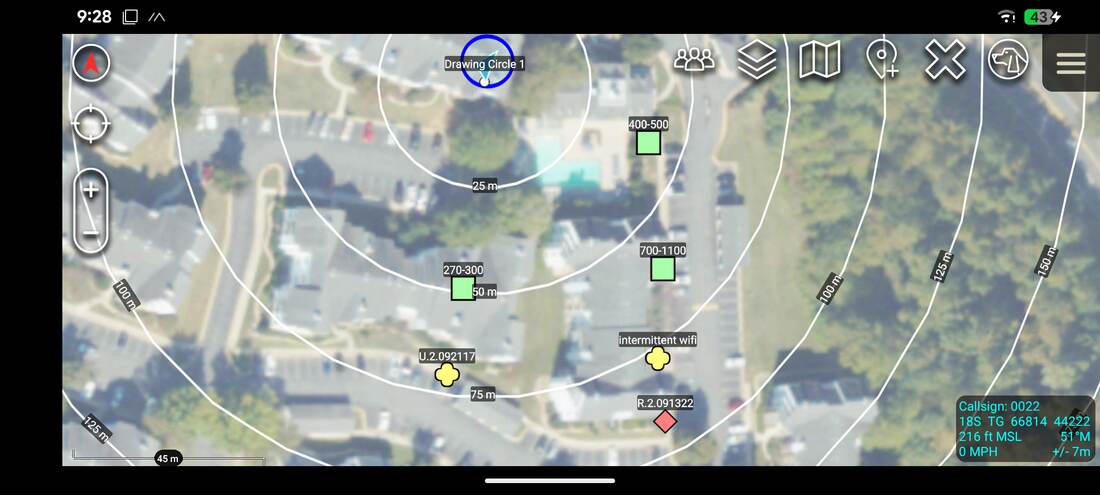
ATAK operates natively over the 2.4 GHz WiFi mesh, with no plugin and no server. Devices on any node discover each other automatically, and traffic is relayed across multiple nodes to reach the whole network.
Positions, chat, images, routes and data packages are exchanged at WiFi speeds, approximately 30 Mbps between nearby nodes. The ATAK voice plugin is also supported.
02LoRa fallback
LoRa fallback
Every node carries a long-range LoRa radio alongside the 2.4 GHz WiFi mesh. When a device moves beyond WiFi range, its position and chat messages continue to reach the rest of the network over LoRa. The node performs this relay automatically, and the device requires no plugin or configuration. The LoRa transmitter can also be disabled, leaving the radio in receive-only operation.
03HaLow
HaLow mesh
An optional WiFi HaLow module, connected to the USB-C port, adds an IP mesh in the 900 MHz band. It serves as an additional link alongside the 2.4 GHz WiFi mesh, or in place of it where that band is unsuitable. Like the 2.4 GHz mesh, it is encrypted with WPA3.
04Voice
Push-to-talk
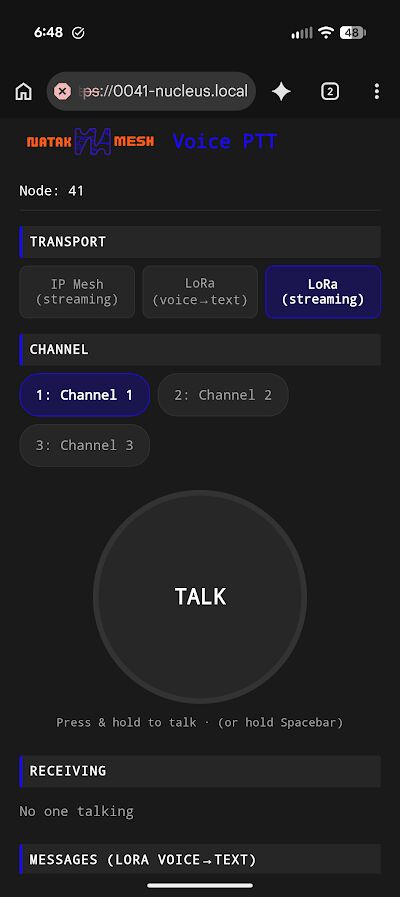
Push-to-talk voice is provided by the node itself. Any phone or laptop on the access point can participate from a web browser, with no application installed. Traffic is organised into named channels.
A hardware PTT can be connected to the node through an OpenVLM adapter. Browser users and hardware PTT users on the same channel hear each other.
An optional feature transcribes short voice messages and sends them over LoRa, where the receiving node plays them back as synthesised speech.
05Messaging
Messaging and Meshtastic interoperability
The built-in message inbox sends every message over the 2.4 GHz WiFi mesh and LoRa at the same time, so a message is delivered over whichever path is available. The LoRa copy is a standard Meshtastic message. Meshtastic radios on the same channel can therefore exchange messages with Nucleus users, and a Nucleus node can also operate as an ordinary Meshtastic node.
06Reticulum
Private Reticulum network
Every node runs Reticulum, an encrypted networking stack that requires no carrier, no accounts and no phone numbers. A group of nodes forms a private network that relays traffic for all of its members and grows as nodes are added. Reticulum operates over the 2.4 GHz WiFi mesh and Ethernet. Where no WiFi or wired link is available or wanted, an optional RNode module provides a Reticulum interface over LoRa.
Addresses are derived from cryptographic keys rather than names or numbers, and a node does not advertise itself unless the operator chooses to. Messages are encrypted end to end with forward secrecy, so relays carry only ciphertext. A node can also hold messages for recipients who are out of range and deliver them when they return. Standard applications such as Sideband, Columba, MeshChat and NomadNet are supported, and messages can be sent from the web interface of the node.
07Links between sites
Links between sites
Where an internet connection is available, separate meshes can be joined into one private network. Reticulum links between sites carry only encrypted traffic, and can be run inside a Tailscale network so that they are not exposed on the public internet. Tailscale also provides remote access to every node. If the connection is lost, each site continues to operate locally.
| Configuration | Reachable by | Visible to |
|---|---|---|
| Local nodes only | Devices on the local mesh | No outside party |
| Linked over the internet | All linked sites and networks | Linked networks can see that the network exists, but not message content |
| Linked over Tailscale | Only devices in the private network | Tailscale can see which devices are members |
08TAK server and video
On-node TAK server
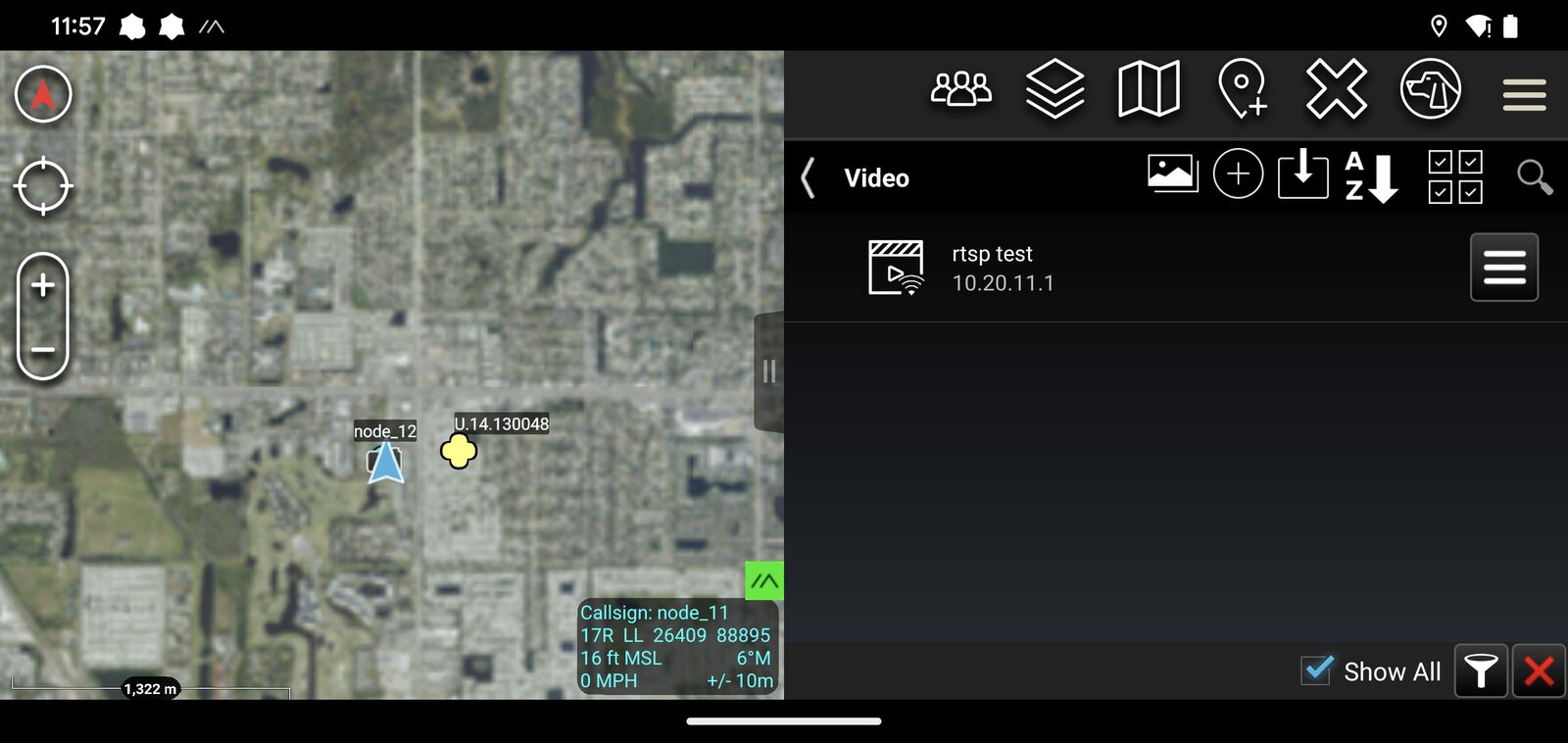
Basic ATAK operation does not require a server. Where certificate management, data feeds or video are needed, one node can host the official TAK Server or OpenTAKServer, together with a video server. Every ATAK client on the network can reach it.
09Internet
Internet sharing
When one node is connected to a router, mobile hotspot or Starlink terminal, it shares that connection with every node and every device on the mesh. No configuration is required on the other nodes. Internet access is optional, and every other function on this page operates without it.
10Watch
Version 3 demonstration
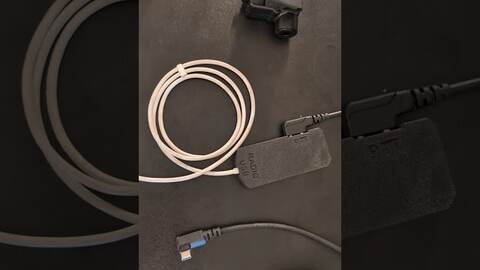 Play 4:15
Ordering
A mesh network requires at least two nodes. Measured link ranges are documented in field tests, and configuration is described in the manual.